![Locable Logo 3a3a3a Gray.png]](https://help.locable.com/hs-fs/hubfs/Locable%20Logo%203a3a3a%20Gray.png?height=50&name=Locable%20Logo%203a3a3a%20Gray.png)
Available on the Locable Publishing Platform
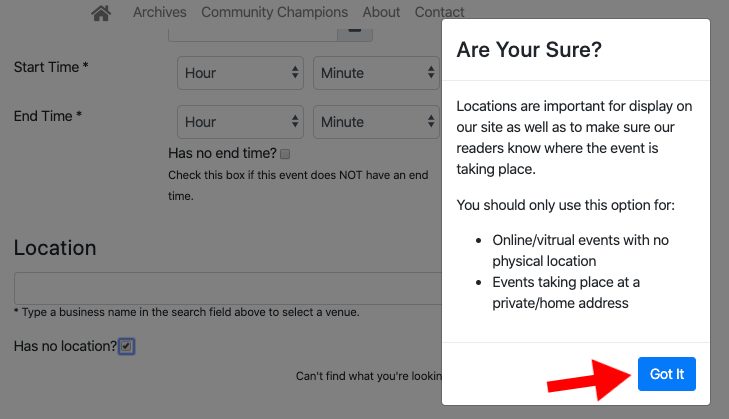
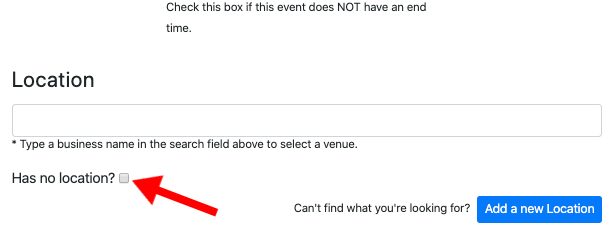
For events that have no physical location, all you need to do is select the "Has no location?" box under the Location section of an event.
You should only use this option for:
- Online/virtual events with no physical location
- Events taking place at a private/home address
Make sure to click the confirmation box that appears after selecting "Has no location?" and you are all set.