![Locable Logo 3a3a3a Gray.png]](https://help.locable.com/hs-fs/hubfs/Locable%20Logo%203a3a3a%20Gray.png?height=50&name=Locable%20Logo%203a3a3a%20Gray.png)
Available on the Locable Publishing Platform
If you'd like to quickly add links to your social media profiles from your site one option is to add them to your top navigation.

To do this, simply click Settings > General then click on the Social Media Links and add the URLs to your profiles.
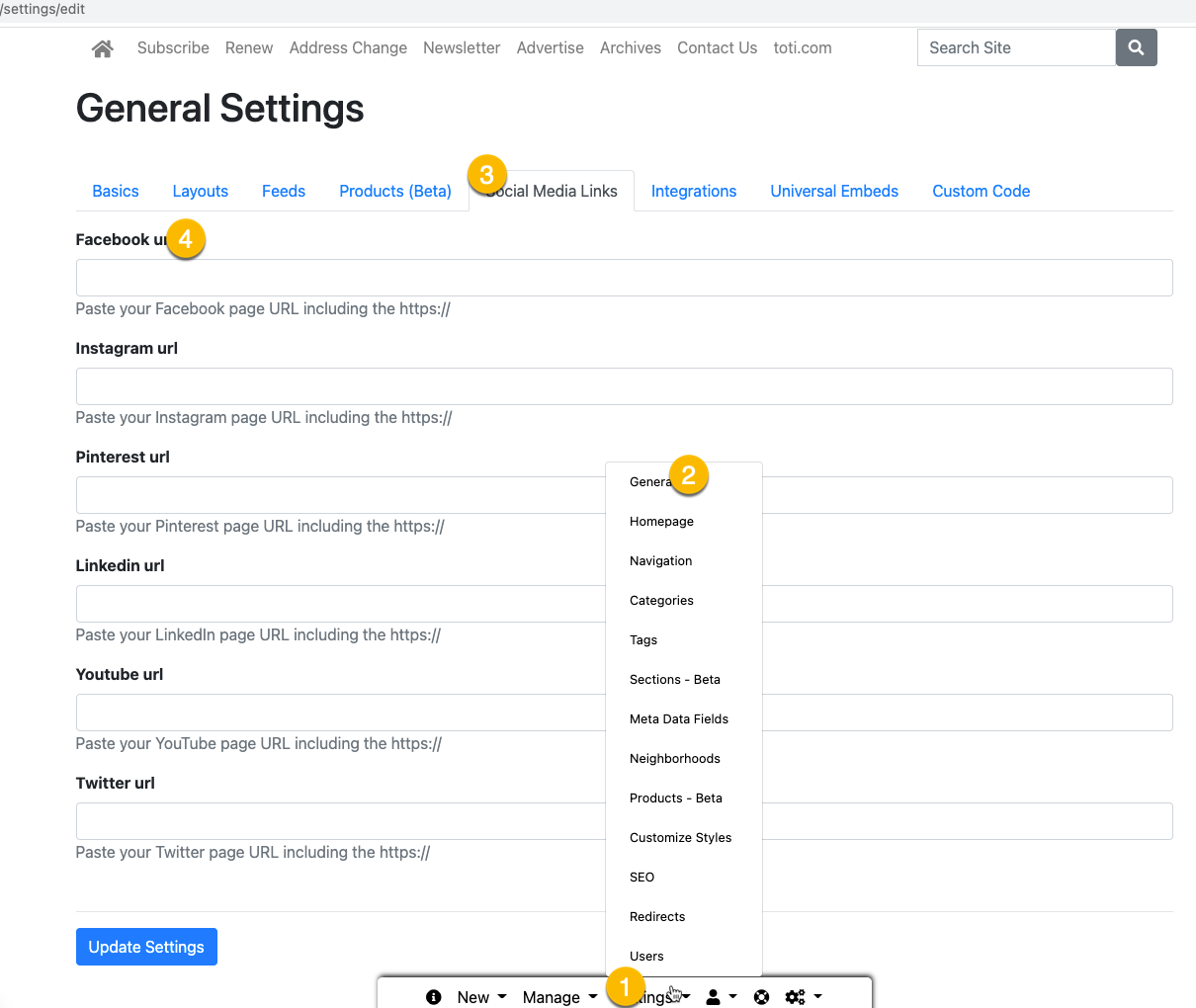
Be sure to save the page then check each of the links that are added. That's it!